LUTTER COLOR STUDIO
Your video
Your cinematic look
Import your clip, explore LUTs, and refine the color on iPhone or iPad. Start with everyday footage, SDR, HDR, or supported Apple Log video.
A CLOSER LOOK
Find the color you had in mind
Explore a look, shape the light, and check the details on your own footage.
Swipe to explore
Made for your video workflow
Build a look, fine-tune the color, and export your finished clip.
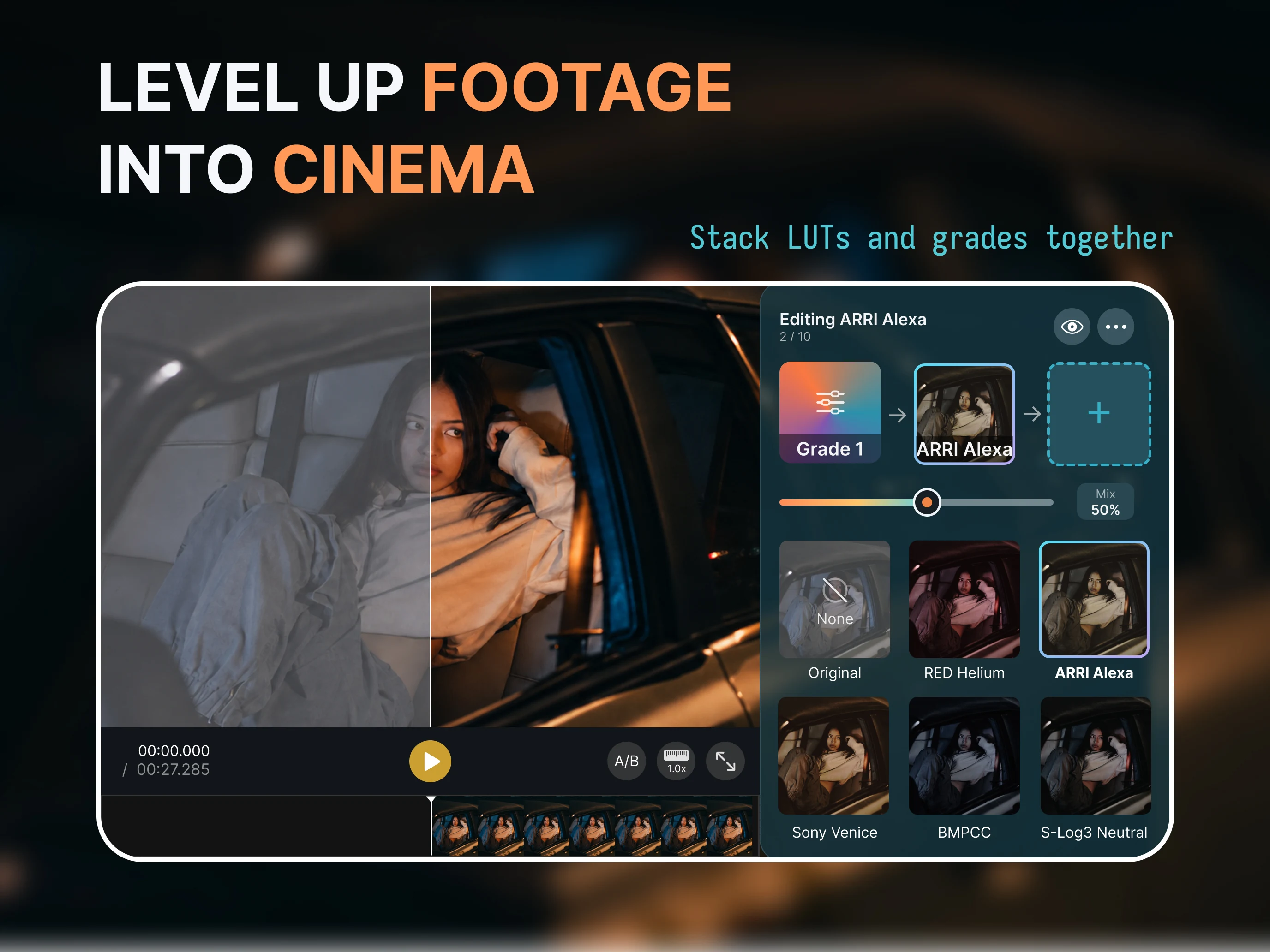
Stack LUTs and grades
Combine LUTs with independent color grading layers. Arrange their order, adjust each layer’s strength, and refine the color before or after a look.
Skin Tone Fix
Reduce unwanted magenta in skin with face-aware controls, and preview the correction as you adjust.
Stabilization
Reduce handheld shake. Analyze your clip, then adjust the smoothness while previewing the result.
Cinema Looks
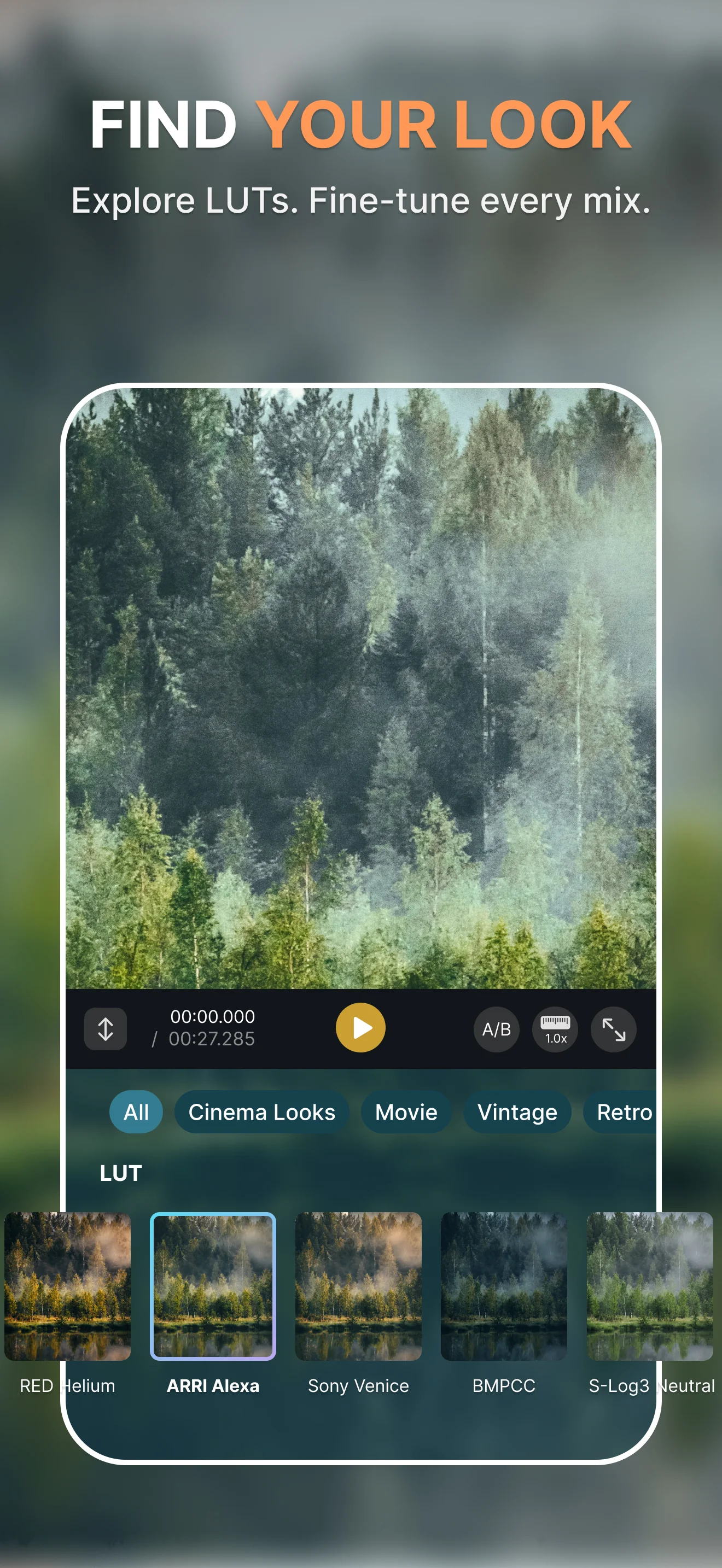
Explore camera-inspired looks, refine their strength, and combine them with your own color adjustments.
Built-in LUTs and your own
Start with included looks or import a custom .cube LUT from Files. Export supported color adjustments as a reusable LUT.
Scopes
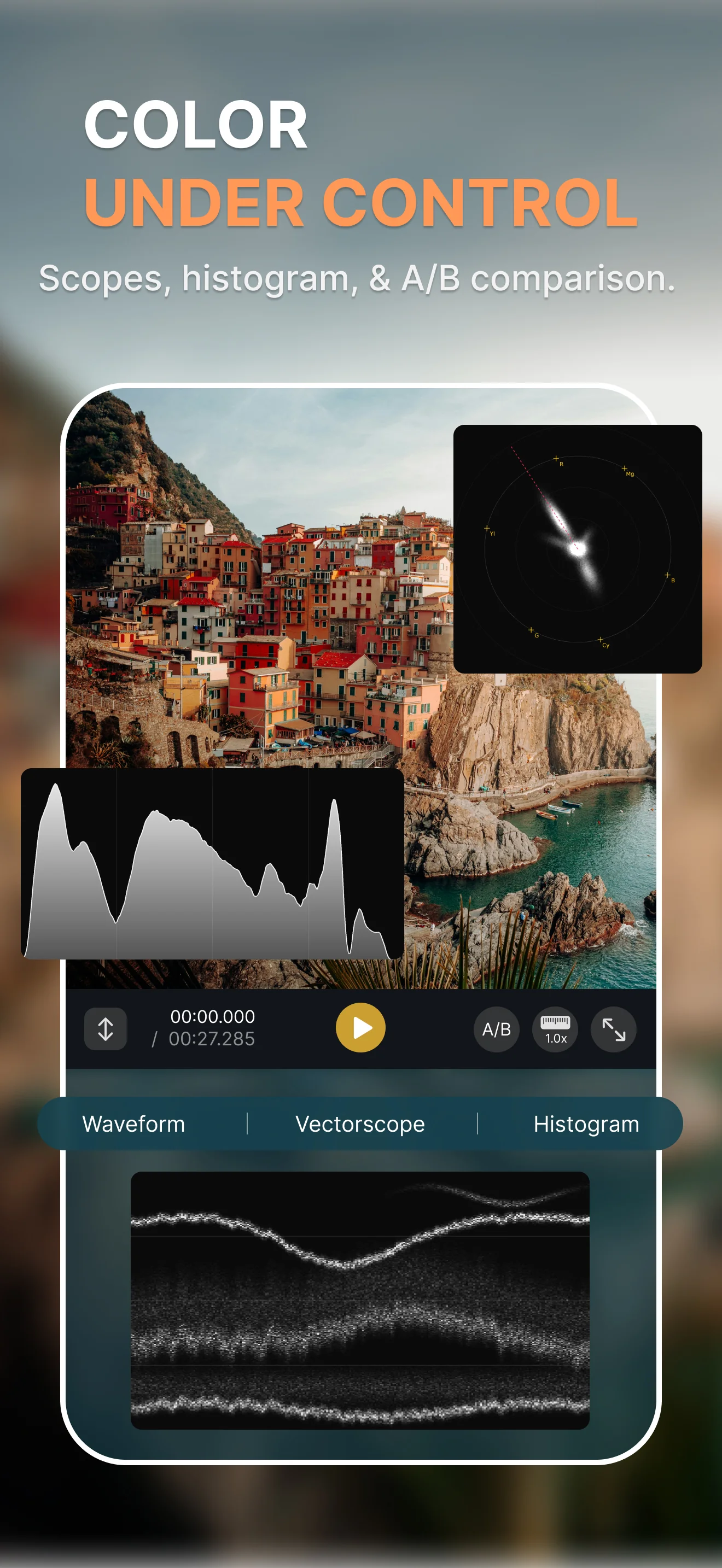
Check exposure and color with a live histogram, floating waveform, vectorscope, and false color.
Auto-Adjust
Find a starting point with Auto Exposure, Auto White Balance, and a white-balance picker, then refine the result.
Color wheels and curves
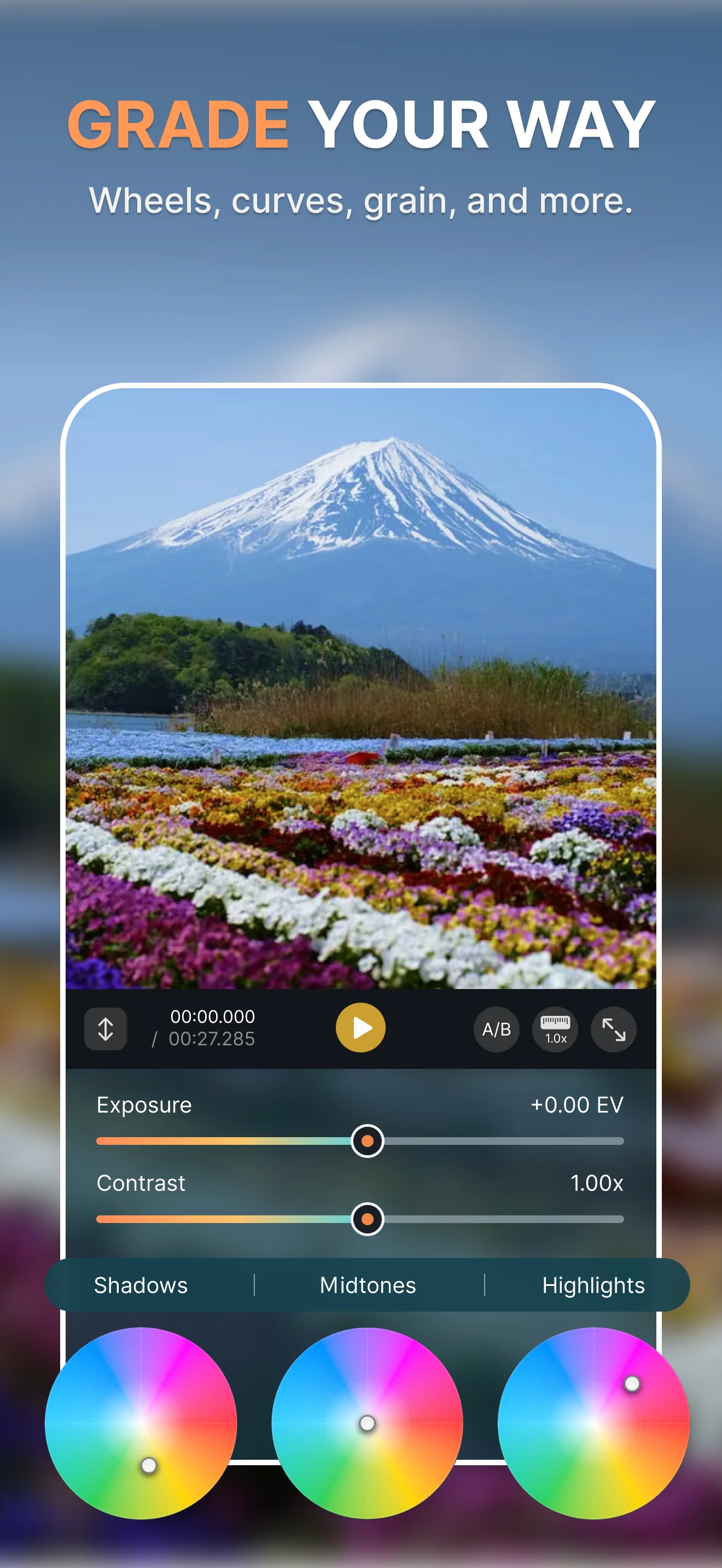
Refine shadows, midtones, highlights, and contrast. Add texture with film grain, halation, and bloom.
Export your finished video
Export up to 4K in H.264, HEVC, or ProRes 422, with 10-bit output and compatible HLG or PQ HDR options.
Start free
Make room for more
Free color tools. Preview Pro editing tools, then unlock Pro with one purchase. No subscription.
Free
$0
Free to download. No watermark.
- Free built-in LUTs and custom
.cubeimport - Exposure, white balance, and basic color adjustments
- Color wheels, tone curves, and all scopes
- Up to three LUT / Grade cards
- Single-video SDR / 8-bit H.264 or HEVC export up to 4K
Pro
Unlock once
One purchase. No subscription. See your price in the app.
- Premium LUTs and Cinema Looks
- More LUT / Grade cards and advanced color tools
- Film grain, halation, and bloom
- Skin Tone Fix and stabilization
- Batch video export and supported
.cubeexport - ProRes and 10-bit delivery, including compatible HDR
Preview Pro editing tools before buying. To export a video using Pro effects, unlock Pro or remove those effects. The price shown in the app and Apple's purchase confirmation applies; offers and local prices may vary.